Automatic Self Calibration Sample
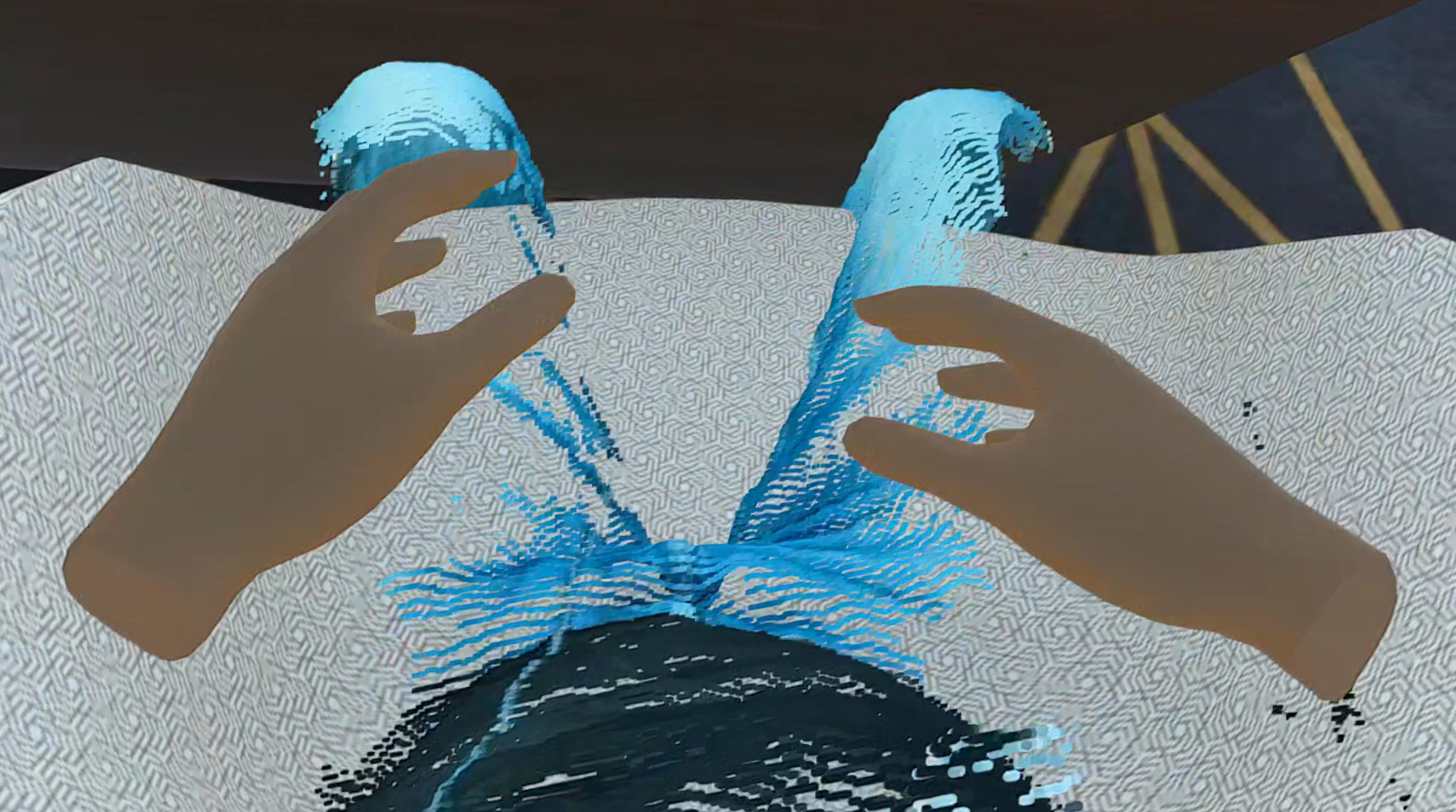
This sample provides a fully realized, ready-to-use version of the Automatic Self Calibration feature. It is incredibly similar in structure to the manual Self Calibration Sample. Because of this similarity, there are no complex new scene setups to explain here. However, it is highly recommended that you first read the core Automatic Self Calibration documentation to understand how the machine learning pipeline and the calibration systems work under the hood before using this sample.
This scene acts as a standalone environment. It contains all the necessary elements—including the menu and a pilot—directly inside the scene, meaning it can be used and tested immediately without needing to modify or switch scenes.
What is Included?
When you open this sample, you will find a complete environment ready for automatic spatial alignment:
-
Unified Menu System The sample includes the Unified Menu System prefab already configured. The automatic self-calibration button is pre-wired into the menu. To facilitate the calibration process, interacting with this UI button triggers a 3-second countdown, giving the user enough time to step back and adopt the correct posture in front of the cameras.
-
Pilot Integration The scene comes with a fully set up pilot. Because both the menu and the pilot are present within the same scene, you can simply press play and evaluate the automatic calibration workflow right away.
Further Reading
To dive deeper into the mechanics of how the automatic calibration system works, or to learn about best practices and troubleshooting (such as dealing with Meta Quest 3 tracking), refer to the core documentation: