First Person Controller
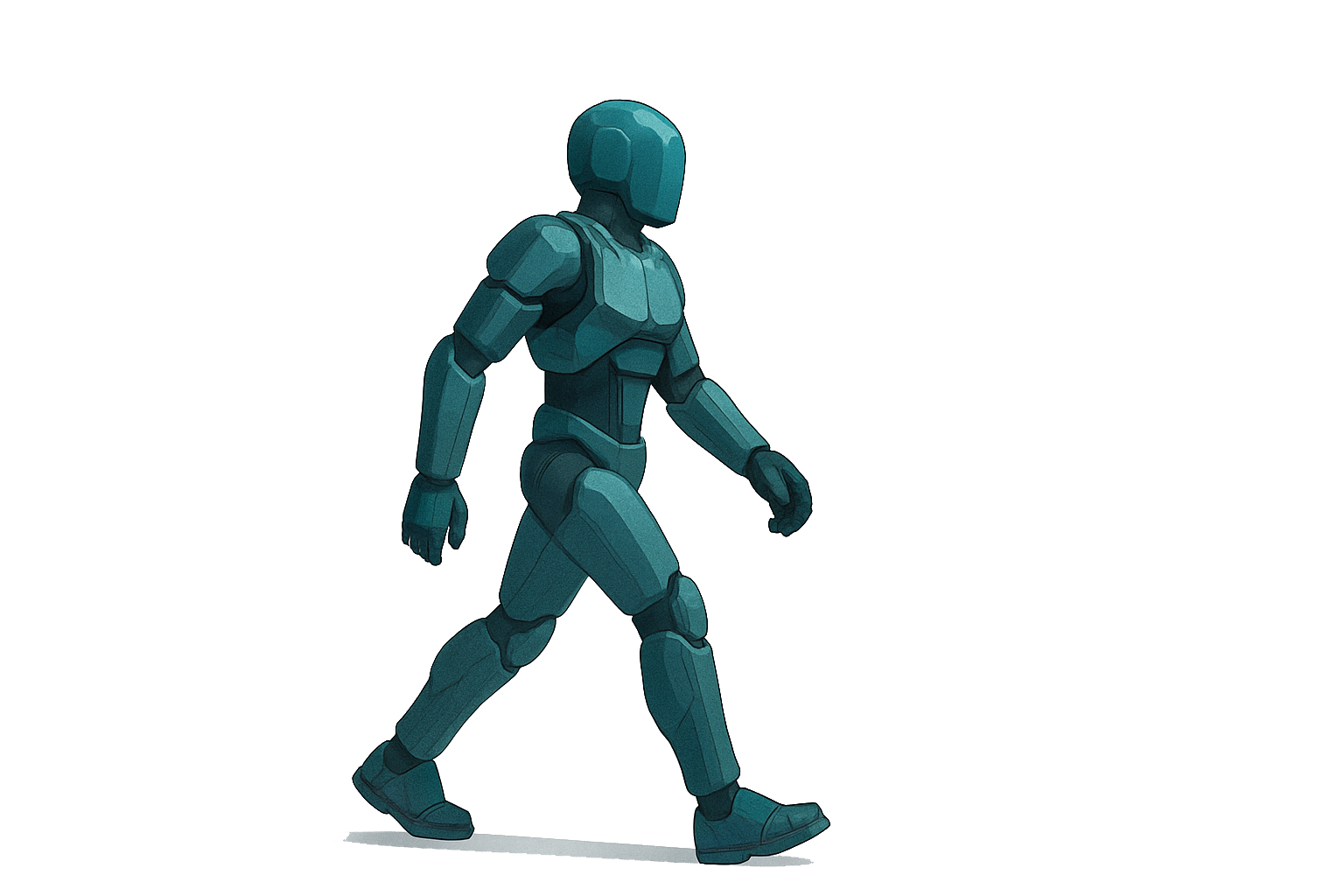
The movement module allows users to control their avatar using Unity’s CharacterController and the New Input System, with built-in handling for XR device presence.
Overview
- Translates 2D input vectors into 3D movement relative to the player’s orientation.
- Automatically disables when an XR headset is detected or when the local player is inactive.
- Offers configurable parameters for speed and enable/disable behavior.
Requirements
- Unity 2022.3 LTS or later
- CharacterController component on your player GameObject
- New Input System package enabled
- XR Interaction Toolkit for XR headset detection
Setup
-
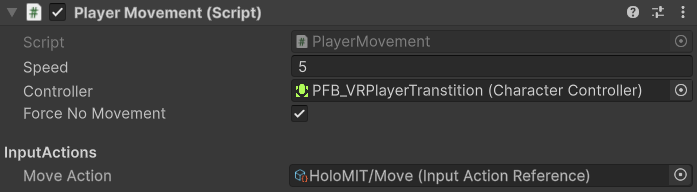
Add the
PlayerMovementcomponent to your player prefab.
-
Ensure a
CharacterControlleris attached to the same GameObject. -
Assign your movement InputAction (Vector2) to the Move Action field.
-
Add the
PlayerManagercomponent to your player prefab and assign itscam(camera) reference.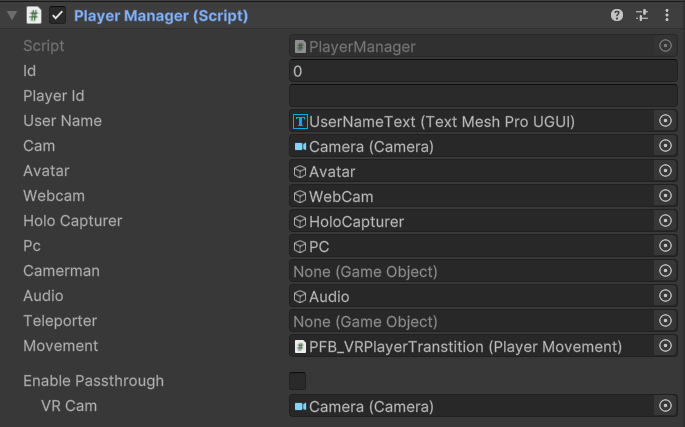
Usage
- Adjust Speed: Modify the
speedfield in the inspector to set movement pace. - Temporarily Disable: Toggle
forceNoMovementin your code (e.g., during UI menus) to halt movement. - XR Auto-Disable: Movement deactivates automatically when
XRSettings.isDeviceActiveistrue. - Ownership Check: Movement only applies if the player’s camera GameObject is active.
Known Limitations
- No built-in gravity or jump support.
- Movement is frame-rate dependent; consider adding gravity handling.
- Only respects the default
CharacterControllercollision settings.