Raycast Interactions
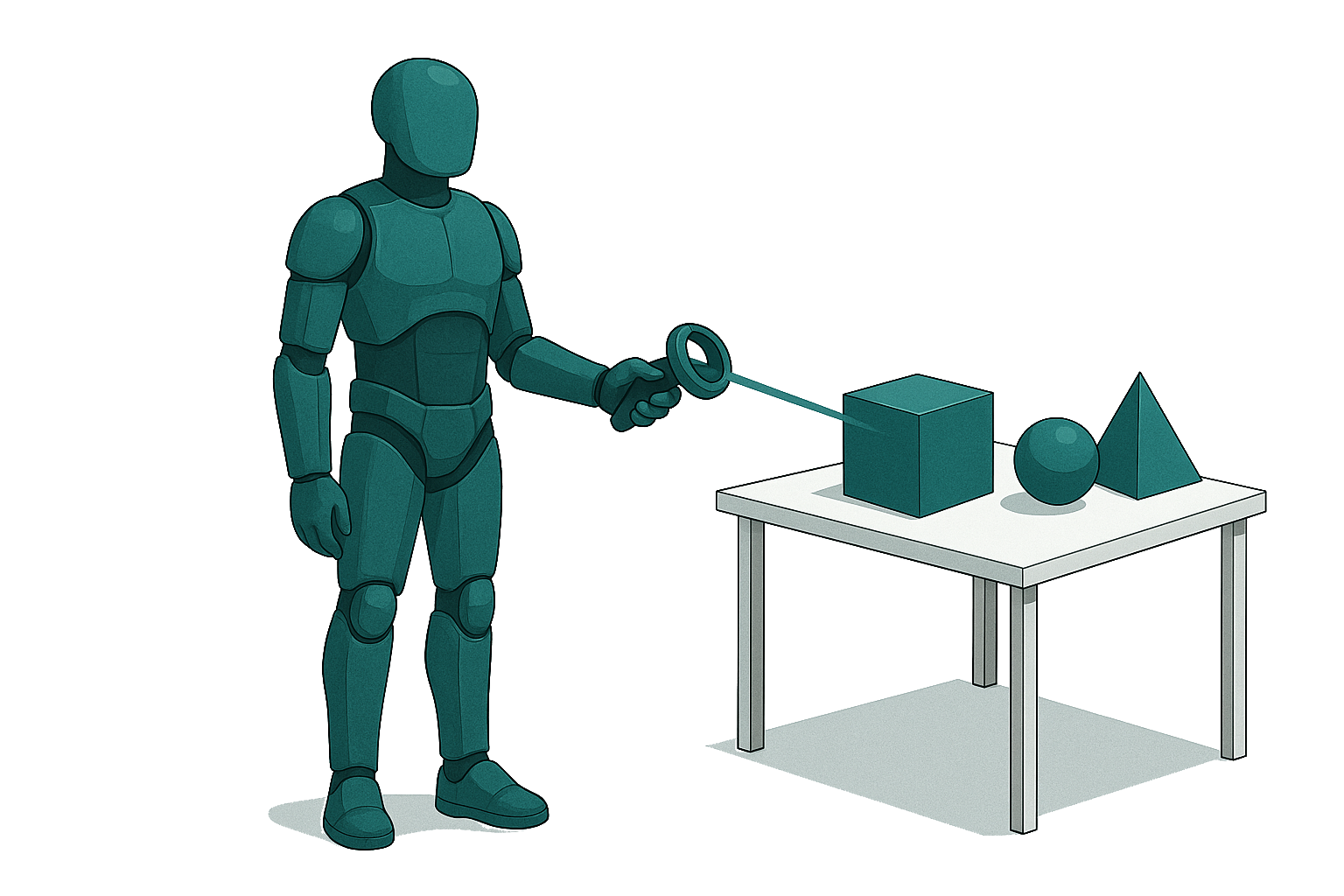
The raycast interaction module allows users to point and select objects at a distance using a visual ray and pointer. It provides hover events and fires actions with ButtonX, based on tag-filtered raycasts.
Overview
- Draws a ray from the controller to visualize potential interactable targets.
- Detects hover enter/exit based on the
selectableTagand firesHoverEnterEvent/HoverExitEvent. - Fires a selection event when ButtonX is pressed on a hit collider with a
NetworkTrigger.
Requirements
- Unity 2022.3 LTS or later
- New Input System (for reading LeftTrigger, LeftGrip, ButtonX)
- XR Interaction Toolkit (for controller tracking)
- HoloMIT Core & EventManager (for
NetworkTriggerand hover events) - InteractionRaycast prefab placed under your player rig
Setup
- Place InteractionController
- Add the InteractionRaycast Prefab component to your player.

- Configure the Component
- On the
InteractionControllercomponent, assign:
- On the
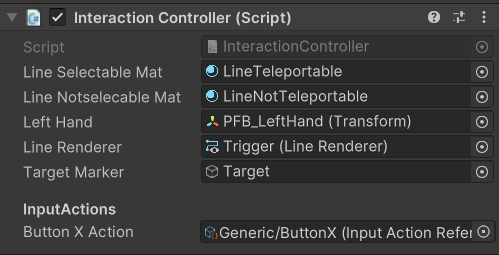
- lineSelectableMat / lineNotSelectableMat for valid/invalid targets
- References to LineRenderer and targetMarker for visuals
- leftHand transform (if not auto-detected)
- maxDistance and raycastLayers to define range and layers
- Enable Input Actions
InteractionControlleruses the HoloMITControls asset for trigger and ButtonX bindings.
Usage
- Activate Ray: Hold the left trigger to enable the ray and marker.
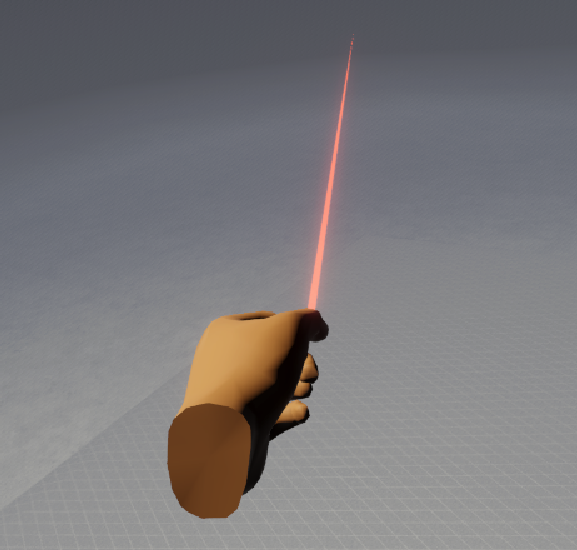
- Select: Press ButtonX while pointing at a valid object; its NetworkeTrigger will fire.
- Cleanup: Release the trigger to hide the ray and marker.
Known Limitations
- Configured only for the left hand by default; extend to both hands if needed.
- No smoothing transitions; the ray appears/disappears instantly.
- Relies on Unity physics and tags; ensure accurate collider and tag setup.
- Does not support drag operations out of the box; additional logic required.