Touchable Objects
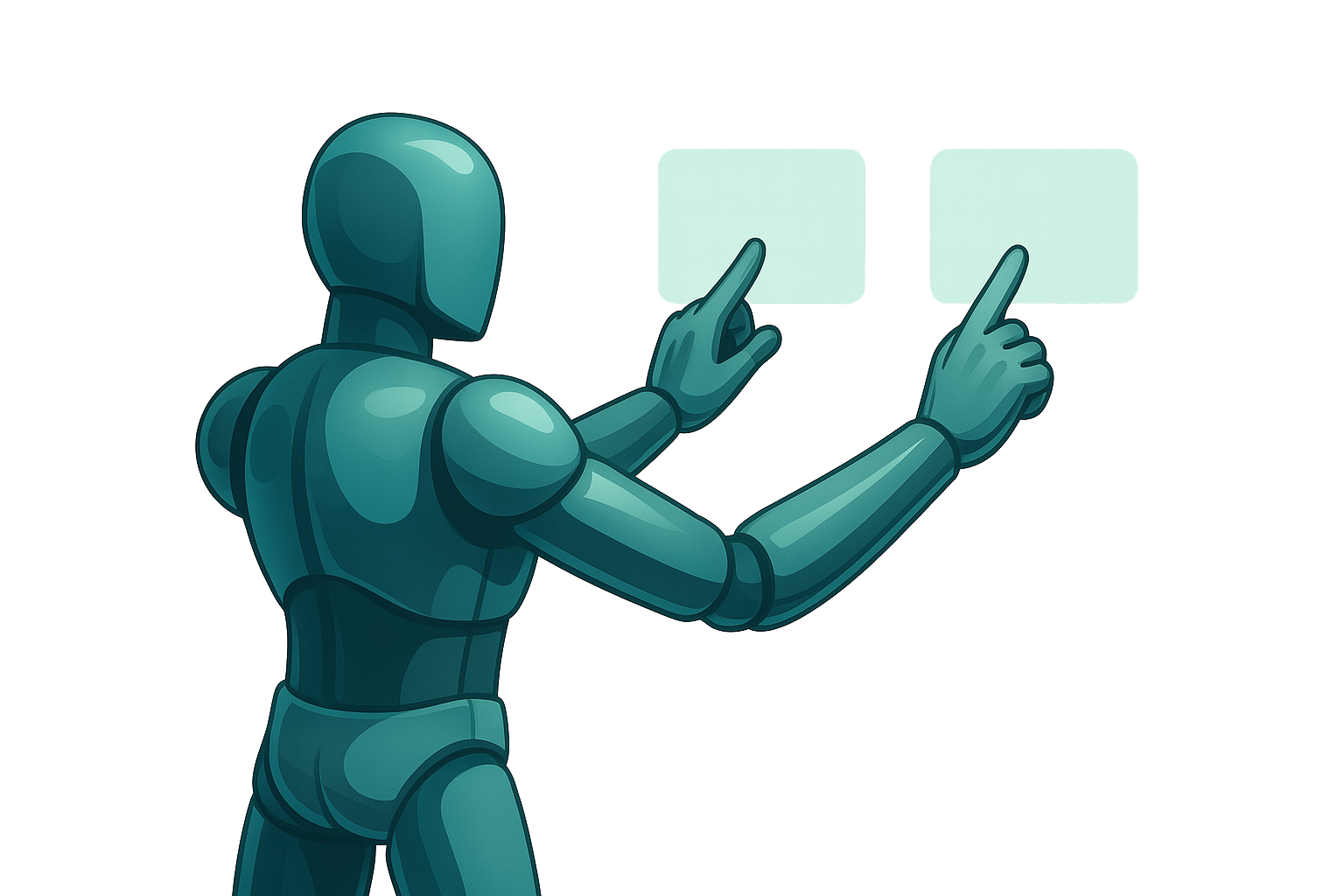
The Touchable Objects system allows users to interact with GameObjects and UI components (buttons, points of interest, etc.) through precise hand collisions. Both controllers and the hand‑tracking system can be used. It employs a special layer, TouchCollider, on the hand collider to detect touch events and route them to configurable behaviors.
Overview
- Layer‑Based Detection: The hand must have the TouchCollider layer.
- Hand State Management:
HandControllerenables/disables colliders and sends network triggers based on the input mode.
Requirements
- Unity 2022.3 LTS or later
- New Input System
- XR Interaction Toolkit (for hand‑tracking support)
- HoloMIT Core & EventManager (for
NetworkTriggerand message routing) - Layers defined in the project:
- TouchCollider for the hand colliders
Configuration
-
Create Hand Colliders
- On each hand, place the TouchColliderPrefab on the tip of each desired finger.
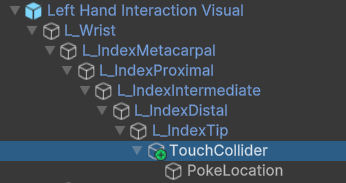
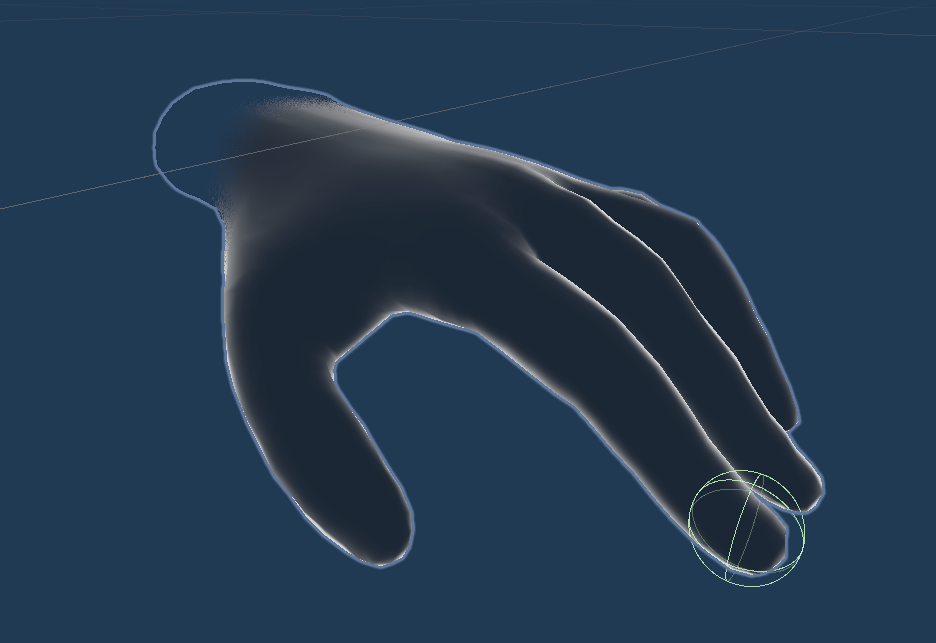
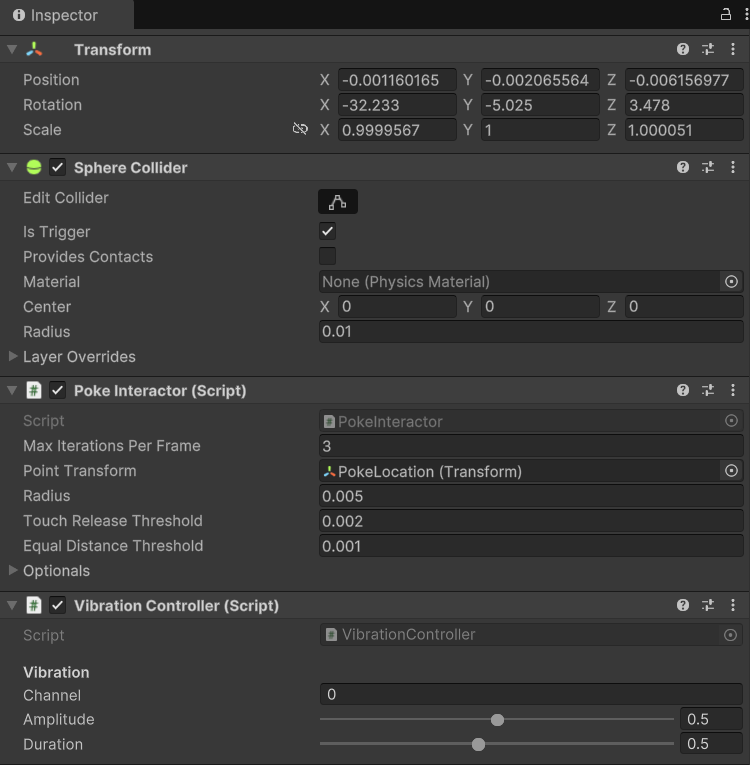
- Ensure it has:
- The TouchCollider layer.
- A
SphereColliderwith Is Trigger enabled. - The
PokeInteractorandVibrationControllercomponents.
-
Configure HandController
- Add the
HandControllerscript to each hand GameObject.
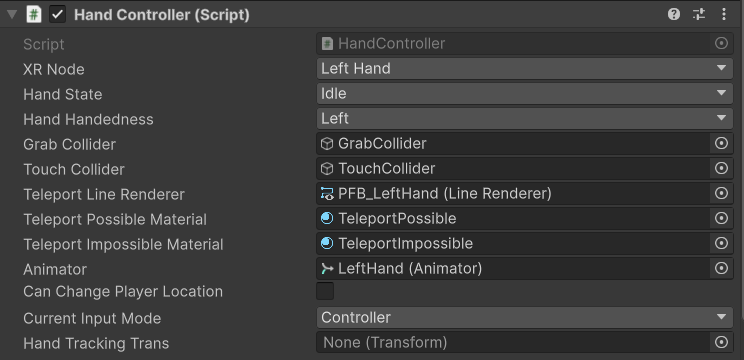
- Assign the TouchCollider prefab in the Inspector.
- Add the
Controller Types
-
Touchable with Controllers
-
Touchable with Hand Tracking
To enable touch on an object, you must use OpenXR’s gesture detection system.Add the Custom Hand Gesture Detection prefab to the scene. It contains:
- XRHandTrackingEvents to detect hand gestures.
- CustomHandGesture to consume events from XRHandTrackingEvents for a specific Hand Shape or Pose, firing an event when the gesture starts and stops.
In theGesture Performed()event, connect your script to the desired logic.
Usage
- Single Touch: Make a point gesture to activate TouchCollider and collide with a TouchableObject, triggering its event.
Known Limitations
- Only one touch event is fired per cooldown period; rapid touches are ignored.
- There is no default visual feedback for invalid interactions; consider adding UI or haptic cues.
- Vibration depends on the device’s capabilities; verify support before issuing impulses.