Grabbable Objects
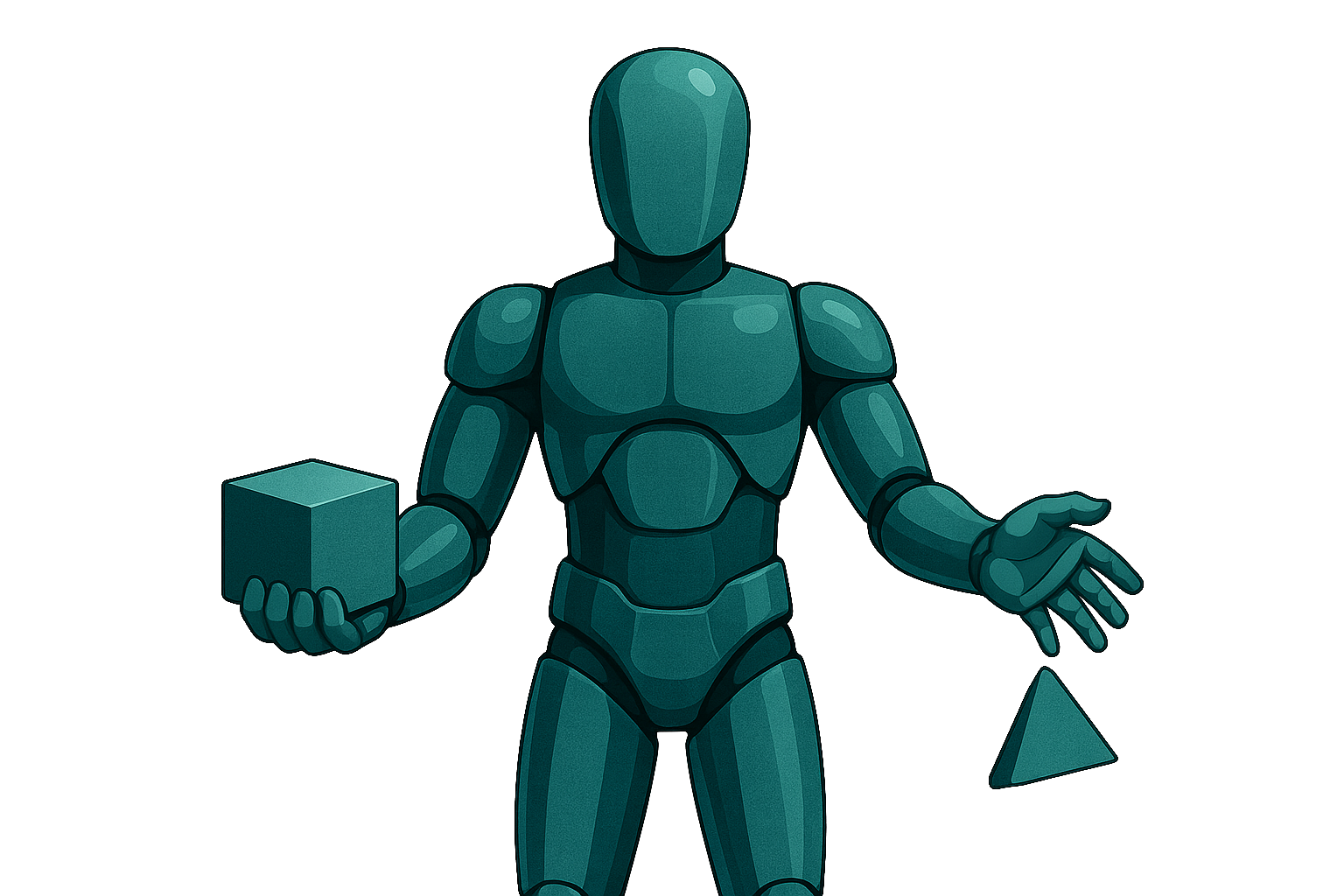
The Grabbable Objects module allows users to pick up, carry, and release objects with hand-tracking input, handling physics toggling and network synchronization seamlessly .
Overview
- Registers grabbable objects and listens for hand grab/release events via the EventManager.
- On grab: parents the object to the hand, disables physics and gravity, and applies optional position/rotation offsets.
- On release: re-enables physics, unparents the object, and—if enabled—syncs the final transform across the network when the rigidbody sleeps.
- Automatic singleton manager ensures minimal setup: the manager is created on first use if not present.
Requirements
- Unity 2022.3 LTS or later
- New Input System
- XR Interaction Toolkit
- HoloMIT Core & EventManager (EventManagerController and MessageTypeID support)
Configuration
-
Make any GameObject grabbable:
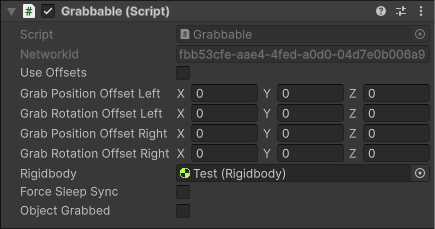
- Attach the Grabbable component.
- (Optional) Enable UseOffsets and configure:
- GrabPositionOffsetLeft/Right
- GrabRotationOffsetLeft/Right
- (Optional) Enable ForceSleepSync to send a sync message when the rigidbody goes to sleep.
-
Ensure the Manager is in scene:
- The GrabbableObjectManager singleton auto-instantiates on first
RegisterGrabbablecall.

- The GrabbableObjectManager singleton auto-instantiates on first
-
Configure HandController
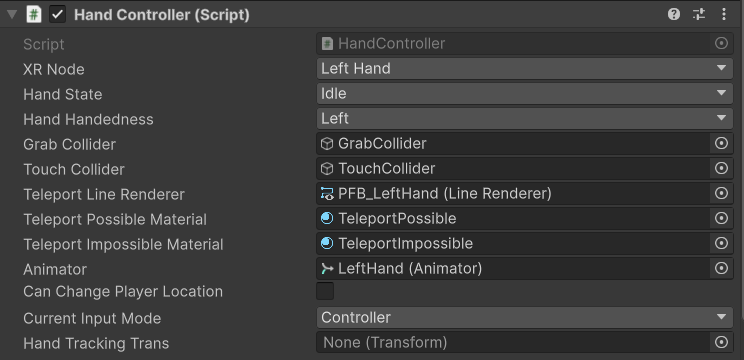
- Add the
HandControllerscript to each hand GameObject.
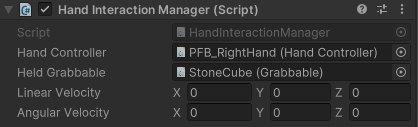
- Add the
HandInteractionManagerscript to each hand GameObject.
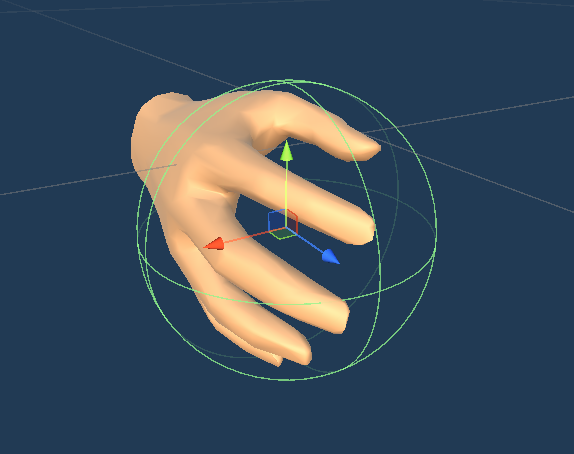
- Assign the GrabCollider prefab in the Inspector.

- Add the
Usage
-
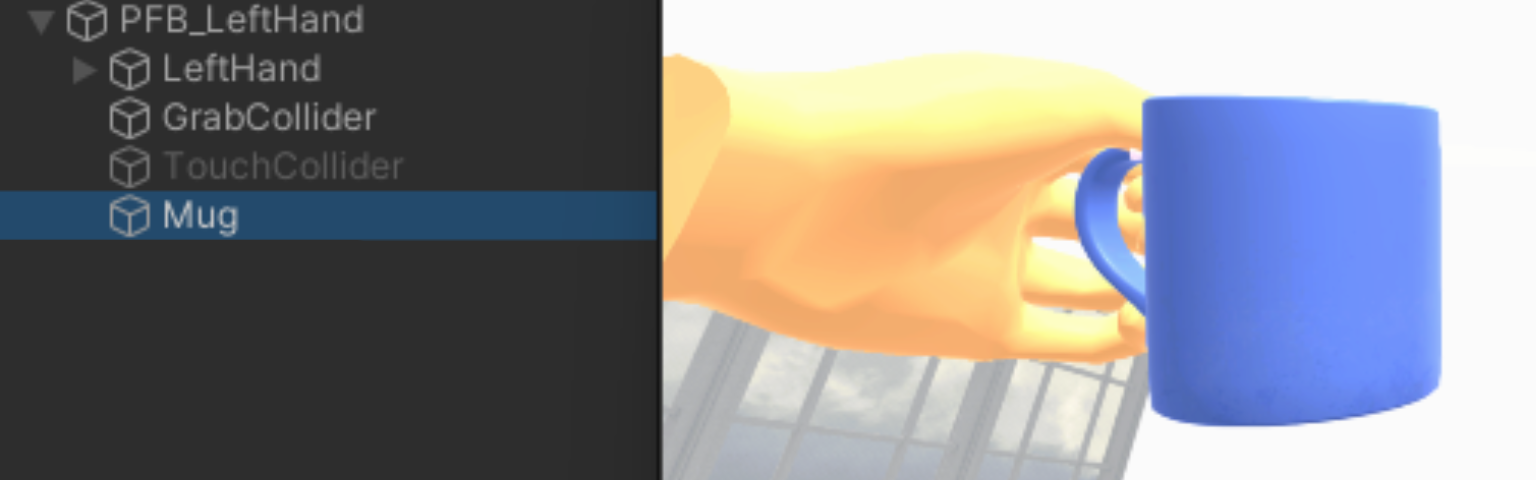
Grab: Press the Trigger and Grab inputs simultaneously. The object will be positioned on the hand's GameObject.
-
Release: Release the Trigger or Grab inputs. Physics reactivates, the object detaches, and, if
ForceSleepSyncis true, its final transformation is synchronized when the rigid body comes to rest.