Troubleshooting
Capturer.log
For more detailed debugging, please consult the capturer.log file, which is generated after every run. The most recent one is capturer.log, while the others are from previous runs.
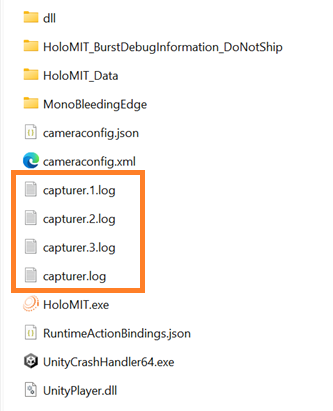
This file contains is located at root level of the project and has all the output from the Capturing System, which is used in the HoloCapturerPipeline. If there is any issue during the playback of volumetric video, this is the first place to start debugging.
Player.log
If you want to check the debug or error messages from the Unity application, you can check the Player.log file. This file includes messages, warnings, and errors from the console.
You can find the location of these log files in the Official Unity Documentation.