HoloCapturer Pipeline
The HoloCapturer Pipeline is the core component within the HoloMIT SDK responsible for the entire volumetric video lifecycle. It handles everything from capturing data from physical sensors (like Kinect or Orbbec) to encoding, network transmission, decoding, and rendering the 3D representation in the scene.
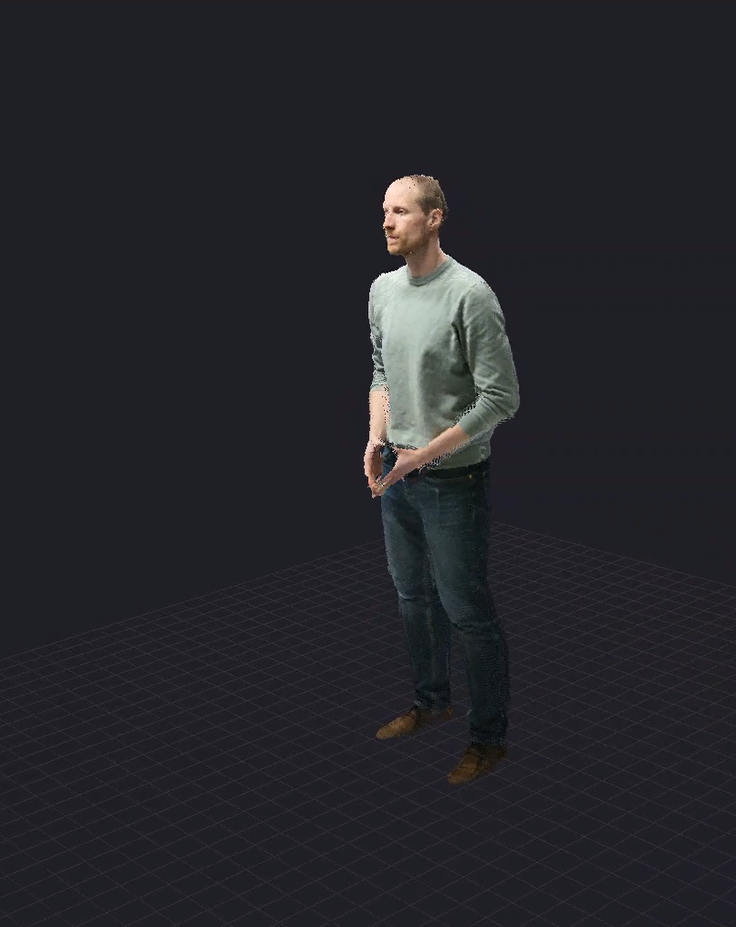
Overview
This system inherits from BasePipeline and relies on multi-threading (via Thread Safe Queues and Workers) to ensure high performance and low latency during volumetric streaming. It abstracts the complexity of volumetric encoding and synchronization, allowing you to focus on the application logic.
Architecture & Workflow
The pipeline operates in two distinct modes depending on the SourceType: Self (Producer) and Remote (Consumer).
1. Producer (Self Representation)
When a user is the source of the volumetric data (e.g., they are being captured by local cameras), the pipeline acts as a Producer. The workflow is as follows:
- Reader (
HoloCapturerReader): Captures the raw frames from the configured physical cameras. - Preparer (
HoloCapturerPreparer): Processes and reconstructs the volumetric data for both local rendering and encoding. - Renderer (
HoloCapturerRenderer): Takes the reconstructed data and renders it locally so the user can see their own representation. - Encoder (
HoloCapturerEncoder): Compresses the volumetric data using hardware-accelerated codecs. - Writer (
MediaWriterDual): Packages the encoded streams and transmits them over the network (e.g., via Cloud or LAN).
2. Consumer (Remote Representation)
When a user is receiving volumetric data from other users in the session, the pipeline acts as a Consumer. The workflow is reversed:
- Reader (
MediaReaderDual): Receives the encoded streams from the network. - Decoder (
HoloCapturerDecoder): Decompresses the volumetric data using hardware-accelerated codecs. - Preparer (
HoloCapturerPreparer): Reconstructs the decoded frames back into readable volumetric point cloud data. - Renderer (
HoloCapturerRenderer): Takes the prepared data and applies it to the specific volumetric shaders for final display.
Configuration and TrafoData
Automated Camera Configuration
You don't need to manually configure camera positions in code. The pipeline depends on configuration files to understand the camera layout and transformations (TrafoData). It automatically reads your cameraconfig.json file during initialization to get the intrinsic and extrinsic parameters of the connected sensors.
For more details on setting up live cameras for this pipeline, please refer to the Live Cameras section.