HoloMIT Configuration Window
The HoloMIT Configuration Window is a Unity editor tool that centralises all SDK setup in one place — from licence validation to audio, video, and networking settings. It reads and writes directly to the config.json file located in StreamingAssets, so no manual JSON editing is required during development.
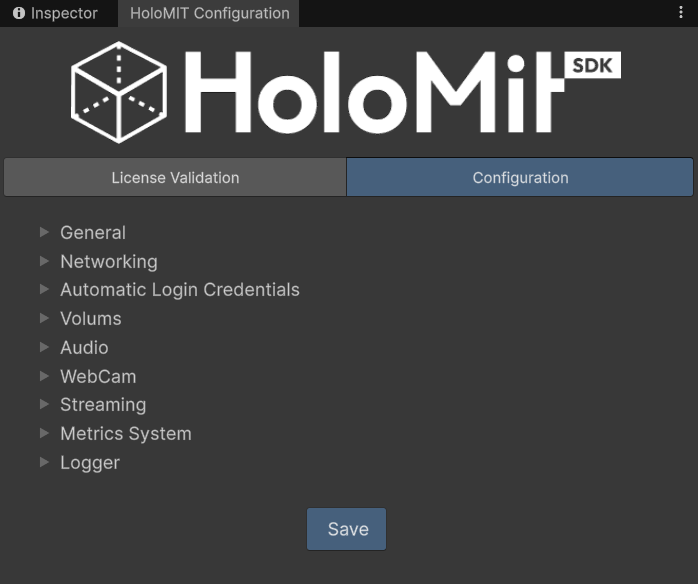
How to open it
Go to HoloMIT → Configuration in the Unity top menu bar.
The window also reopens automatically each time the project is loaded, as long as it was not manually closed beforehand.
Sections
The window is divided into two tabs:
Licence Validation
Validates and stores the HoloMIT licence token required to use the SDK. The result panel shows the plan name, product, licence type, and expiry date. Without a valid and unexpired licence, certain SDK features will not be available at runtime.
→ Go to Licence Validation docs
Configuration
Exposes all the SDK runtime parameters organised in collapsible sections: general app settings, networking, automatic login credentials, volumetric video encoding, audio, webcam, screen streaming output, metrics, and logging. Changes are saved directly to config.json via the Save button at the bottom of the tab.